Why Your Tracking Format Matters
Choosing a budgeting method is only half the work - the other half is deciding how you'll track it. Even a solid budget framework like zero-based or 50/30/20 falls apart quickly if the recording system doesn't fit your daily life. If you're still figuring out a framework, the comparison of popular budgeting approaches is a useful starting point.
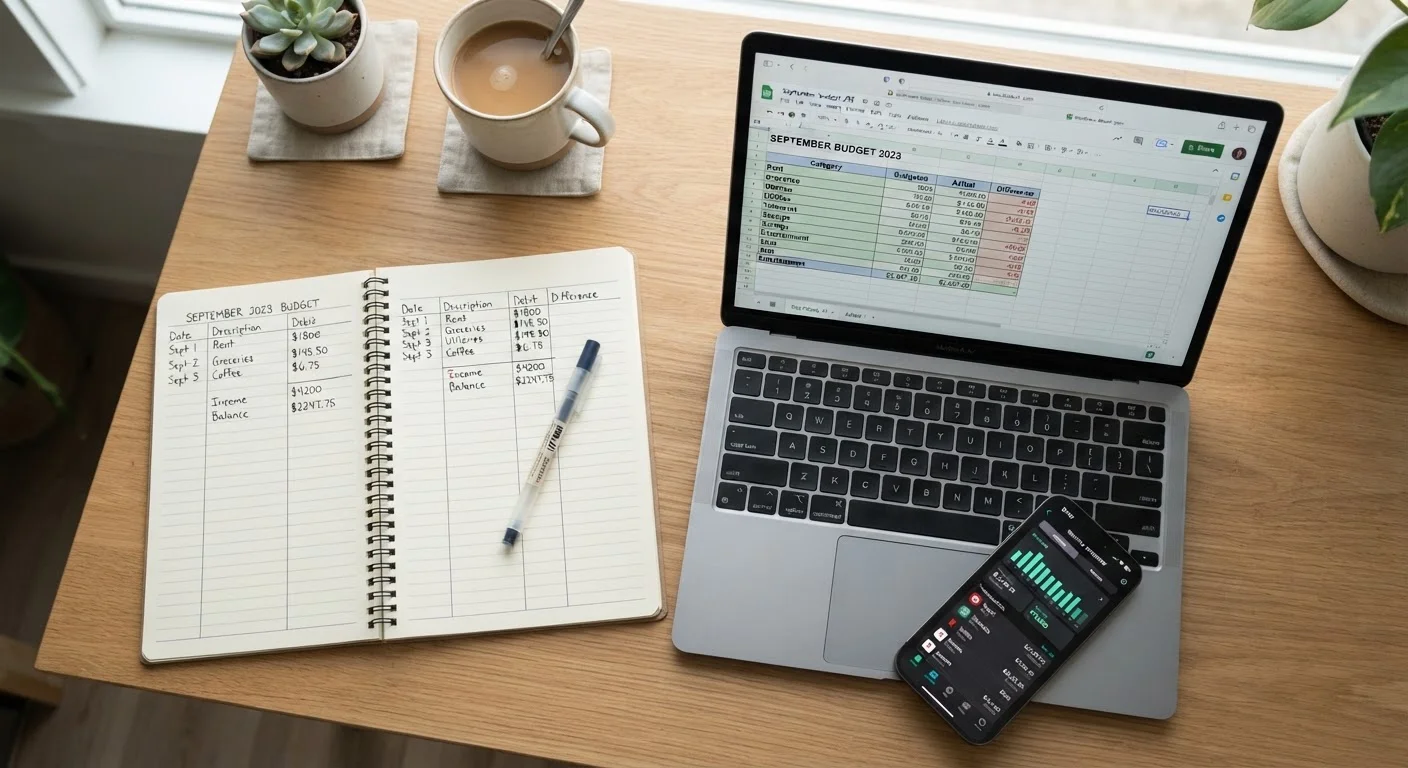
Tracking format affects three things that matter most: how consistently you update it, how accurately it reflects your spending, and how clearly it shows patterns over time. A mismatch between format and lifestyle is one of the most common reasons people abandon budgets within the first few weeks.
Paper Budgets: Intentional but Manual
Writing out income and expenses by hand creates a cognitive engagement that digital tools can't fully replicate. Research on handwriting and memory retention consistently finds that the physical act of writing reinforces information - and that effect extends to financial decisions. When you manually record a $47 dinner or a $120 impulse purchase, you're more likely to notice and reflect on it.
The downsides are real, though. Paper offers no automatic calculations, no error-catching, and no easy way to spot trends across months without flipping through pages. It also means carrying a notebook or keeping a dedicated ledger - habits that erode when life gets busy.
Paper works well for:
- New budgeters building foundational awareness
- Cash-heavy households using an envelope-style system
- People who feel overwhelmed by technology or apps
- Anyone who wants zero privacy exposure
If you're just getting started, the first-budget walkthrough covers how to categorize expenses and set targets from scratch - compatible with any format including pen and paper.
Try Before You Commit
Run any new tracking format for just one full month before deciding it doesn't work. Most people need two to three weeks to build any routine, and the first month surfaces real-life gaps you can fix. Switching too soon means you're reacting to discomfort rather than evaluating whether the system actually fails you.
Digital Spreadsheets: Flexible but Setup-Heavy
A well-built spreadsheet can do almost anything: auto-sum categories, flag overspending with conditional formatting, and chart trends across a year. The flexibility is the point - you design the layout to match your actual financial life rather than adapting to someone else's template.
The barrier is setup time. Creating formulas, organizing categories, and debugging errors takes real effort upfront. Many people start with a blank sheet, get frustrated, and give up before the system becomes useful. Using a free community-built template lowers this friction considerably.
Spreadsheets also require manual data entry for most users - you still have to log each transaction. The advantage over paper is that the math is handled for you, and copying data month-to-month is faster than starting a new ledger.
Spreadsheets work well for:
- People comfortable with basic software tools
- Budgeters with variable income who need custom categories
- Households tracking multiple accounts or shared expenses
- Anyone who wants data control without app subscriptions
| Paper Budget | Digital Spreadsheet | Budgeting App | |
|---|---|---|---|
| Setup time | Minutes | Hours (custom) or low (template) | Low to moderate |
| Data entry | 100% manual | Mostly manual | Automated or semi-automated |
| Math accuracy | Prone to errors | Formula-driven, reliable | Automated, occasional miscategories |
| Customization | Fully flexible | Fully flexible | Limited to app structure |
| Privacy | Maximum - fully offline | High if stored locally | Varies - linked accounts share data |
| Ongoing cost | Notebook only | Free to low-cost software | Free tier or subscription fee |
| Habit difficulty | High - requires daily discipline | Moderate | Low - automation reduces friction |
Budgeting Apps: Automated but Not Without Trade-offs
Apps designed for budget tracking can link directly to bank and credit card accounts, pulling transactions automatically and categorizing them in real time. For households juggling multiple accounts, that automation is a genuine time-saver. Alerts, goal trackers, and visual dashboards make patterns visible without any manual chart-building.
The trade-offs deserve honest consideration. Linking financial accounts to a third-party app involves data sharing - read the privacy policy before connecting anything. Some apps are free but ad-supported; others charge monthly or annual subscription fees. Automatic categorization also makes errors: a grocery run at a big-box store may land in the wrong category, and if you're not reviewing transactions regularly, those errors compound.
Apps work well for:
- Busy professionals or families who won't manually log daily
- People who benefit from real-time alerts and visual feedback
- Those comfortable with linked account permissions
- Budgeters who want goal-tracking built into the same tool
Regardless of which format you choose, a monthly review keeps the system honest. The monthly budget audit checklist walks through exactly what to verify each month so small misalignments don't grow into larger problems.
How to Choose: Three Practical Filters
Rather than picking the most popular option, run your decision through three filters:
- Income complexity. If your income is steady and simple, any format works. If it's variable - freelance, gig work, tips, commissions - a spreadsheet's flexibility usually beats a rigid app template.
- Tech comfort and time. Apps save time on data entry but require upfront comfort with permissions and settings. If that feels like friction you'll avoid, paper or a simple spreadsheet is more likely to stick.
- Privacy tolerance. Paper and offline spreadsheets share no data. Apps that link accounts do. If you're uncomfortable with third-party access to your banking data, keep tracking local.
For an accessible breakdown of budgeting terminology across all three formats, the spending tracker glossary clarifies terms like discretionary income, sinking funds, and net cash flow so the language never slows you down.
This article provides general financial education and is not personalized financial advice. For guidance specific to your situation, consider consulting a licensed financial professional.